

Prestige Client
Prestige is a Minecraft PvP ghost client featuring advanced combat automation, aim assistance, and visual modules.
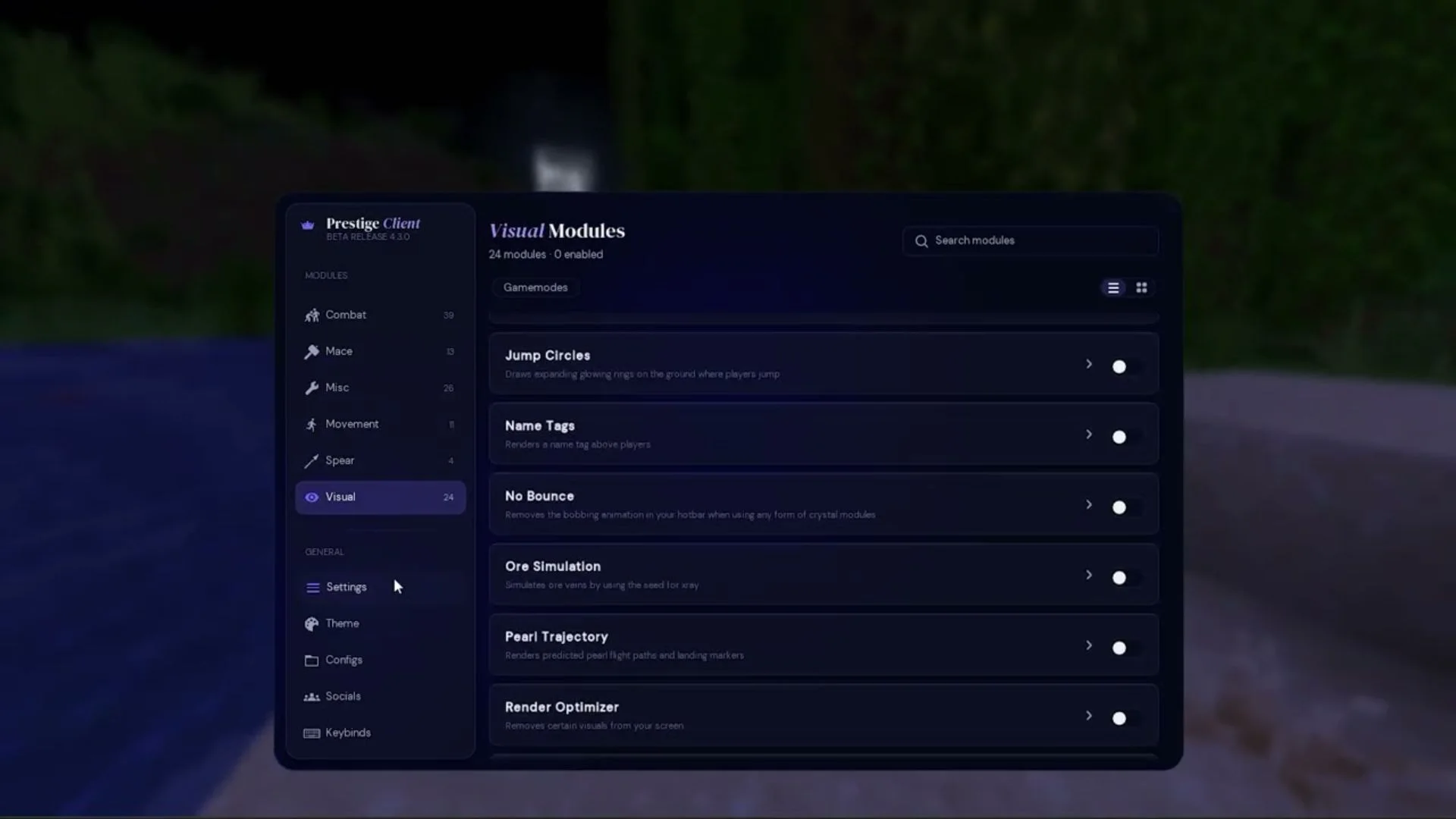
About Prestige Client
Prestige Client is a powerful Minecraft ghost client designed for competitive PvP players looking to gain an advantage in combat. Featuring an extensive collection of combat automation, visual enhancements, and utility modules, Prestige provides tools for a variety of Minecraft PvP gamemodes.
With support for Crystal PvP, Sword PvP, Mace PvP, UHC, and more, Prestige offers customisable modules to suit different playstyles. Its lightweight design aims to maintain smooth performance while providing extensive control over individual features.
Available in both traditional Fabric and injectable versions, Prestige supports modern Minecraft versions and works with several popular launchers.
Key Features
- Advanced Combat Modules – Aim Assist, Kill Aura, Triggerbot, AutoCrystal, Auto Mace, and more.
- Multiple PvP Gamemodes – Dedicated features for Crystal PvP, Sword PvP, Mace PvP, UHC, and NethPot.
- Visual Enhancements – ESP, Storage ESP, Trajectories, Target Renderer, and other visual utilities.
Prestige is ideal for experienced PvP players and beginners alike who want extensive customisation, combat automation, and a comprehensive set of Minecraft PvP tools.
Features
- Advanced Combat Automation
- Multiple PvP Gamemode Support
- Customisable Visual & Utility Modules
How to install Prestige Client
5 steps. Takes about 3 minutes.
-
Step 1: Download Prestige Client
Choose the file that matches Minecraft 1.21.11. Only download from the buttons below.
-
Step 2: Install Fabric for Minecraft 1.21.11
Prestige Client runs on the Fabric mod loader. Get the official installer from fabricmc.net/use/installer, run it, pick Minecraft 1.21.11 and press Install.
Already have Fabric for this version? Skip this step.
-
Step 3: Open your mods folder
Windows%appdata%\.minecraft\modsPress Win + R, paste this, press Enter.macOS~/Library/Application Support/minecraft/modsIn Finder press Cmd + Shift + G and paste this.Linux~/.minecraft/modsOpen it in your file manager or terminal.If there is no
modsfolder yet, create one with exactly that name. -
Step 4: Move the files into the mods folder
Drag the
.jarfile you downloaded into themodsfolder. Do not unzip it.Remove older versions of Prestige Client from the folder so they do not clash.
-
Step 5: Launch Minecraft with the Fabric profile
Open the Minecraft Launcher, pick the Fabric profile in the bottom-left dropdown and press Play.
Most clients open their menu with Right Shift. Check the description above if it is different.
Stuck? See the troubleshooting guide.